Amazon Account Attackers: what the warnings mean, how scams work, and the 5-minute lockdown
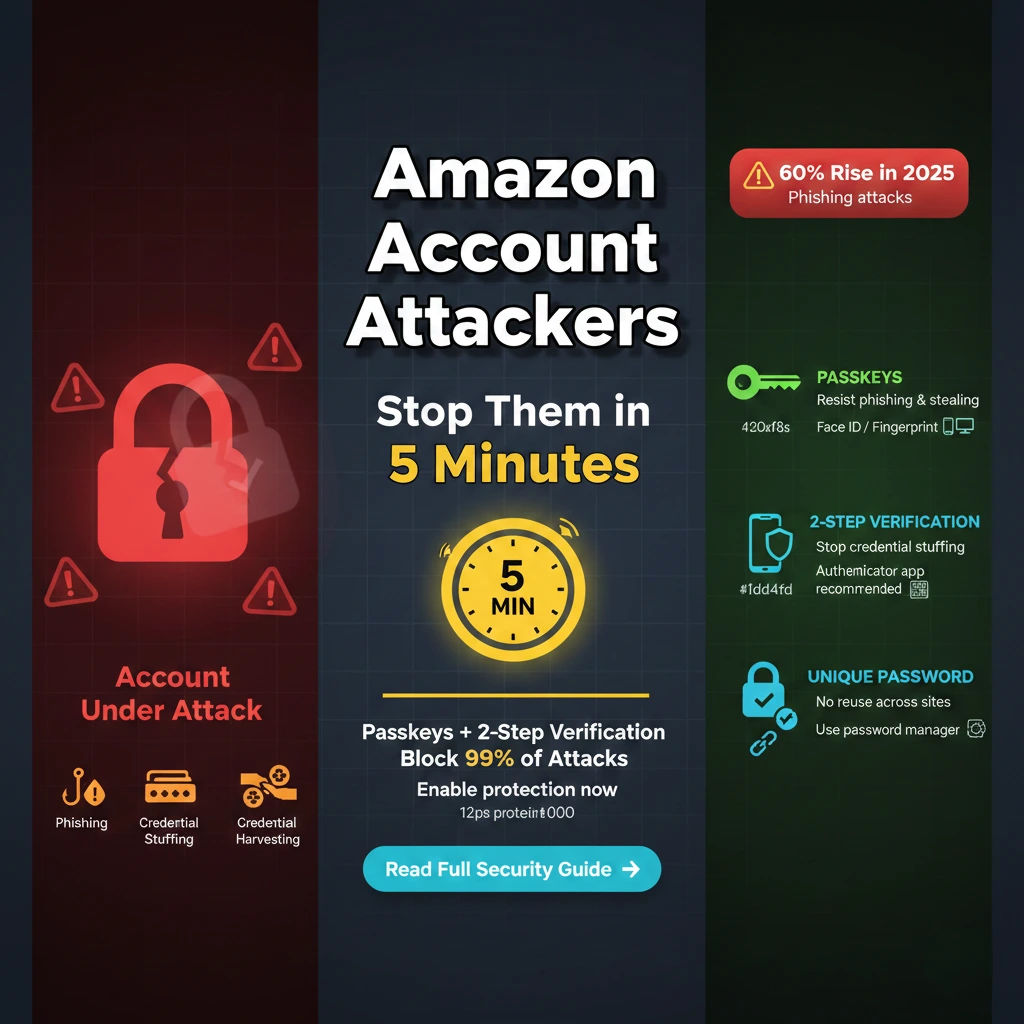

60-second summary: Amazon account attackers impersonate Amazon via email/SMS/calls with fake “Prime renewal”, “suspicious order,” or “update payment” links. Don’t click. Open the Amazon app/website directly, check Message Center and Your Orders. Turn on Passkeys, keep Two-Step Verification enabled, and report bad messages to reportascam@amazon.com. If you clicked, change your password, sign out of all devices, and review payments/addresses.
1) What’s happening?
There’s a global surge of Amazon account attackers impersonating the company across email, SMS, and phone calls. You might see fake alerts about a “Prime renewal,” a “suspicious order,” “payment declined,” “account suspended,” or a “reward.” Each message pushes you to click a link or call a number. The target: your login and payment info.
Two main techniques show up again and again:
- Phishing pages — look-alike websites designed to collect your Amazon email, password, OTP, or card details. The URL is almost right, but not quite.
- Credential stuffing — attackers try email/password pairs stolen from unrelated breaches. If you reused that password at Amazon, they can log in, change details, and place orders. That’s why a unique password (or, better, a passkey) matters.
Remember: Amazon account attackers don’t need a new breach to succeed. They rely on hurried reactions, reused passwords, and links that look convincing under pressure.
2) Red flags to spot in seconds
- Buttons like “Cancel subscription”, “Verify payment”, or “Update account” inside an email or text — this is what Amazon account attackers want you to click.
- Urgent deadlines (“within 12 minutes” / “final notice”), threats of suspension, or promises of refunds/rewards via a link.
- Requests for gift cards, bank transfers, or QR-code payments — Amazon won’t ask you to pay this way to “secure” your account.
- Texts about a login “from another country” that include a link. Real sign-in alerts in the app do not require you to click a web link to f that.
- Almost right sender domains (e.g., amaz0n-security.com). Hover or long-press the link to preview it — the hostname should be a genuine Amazon domain.
If you see even one red flag, assume Amazon account attackers are probing you. Verify first; act later.
3) Verify before you act
The safest path is simple: don’t use links in messages. Instead:
- Open the Amazon app or go directly to amazon.com (or your local domain such as amazon.co.uk, amazon.in).
- Go to Account ▸ Message Center and Your Orders. If the alert isn’t mirrored there, it’s almost certainly fake.
- For payment problems, check Account ▸ Your Payments — any real issue will be shown inside your account.
When you follow this habit, Amazon account attackers lose their best weapon: the panic click.
4) Do this now: the 5 minute lockdown
The fastest way to defeat Amazon account attackers is to remove weak sign-in paths and review the places money can leave your account. Set a timer — the essentials below truly take about five minutes.
A) Turn on Passkeys (passwordless sign-in)
Passkeys replace typed passwords with a cryptographic key stored on your phone or computer. They’re resistant to phishing and credential stuffing.
- Open Account ▸ Login & Security ▸ Passkeys (web or app).
- Tap Add passkey and follow the on-screen prompt (Face ID / Touch ID / Windows Hello / Android screen lock).
- Add a second passkey on another device as a backup.
Once set, even if an Amazon account attackers know your password, they can’t sign in without your passkey device.
B) Keep Two-Step Verification on (use an authenticator app)
- Go to Account ▸ Login & Security ▸ Two-Step Verification.
- Select an Authenticator app (more secure than SMS). Scan the QR and save backup codes.
- Remove old/unused second factors that you don’t control.
C) Change your password (if you still use one)
- Create a unique, long password (ideally via a password manager). Never reuse it elsewhere.
- Turn on Sign out of all devices after the change (in Login & Security ▸ Advanced sign-out) to kick off anyone already logged in.
D) Review money touchpoints
- Your Payments: remove cards you don’t recognize; set the default to a card you control; review your gift card balance.
- Your Addresses: delete unknown addresses to block “gift” shipments created by Amazon account attackers.
- Your Orders: search for unfamiliar orders or digital subscriptions; cancel and contact support if needed.
- Alexa/1-Click: consider disabling voice purchasing and 1-Click while you audit.
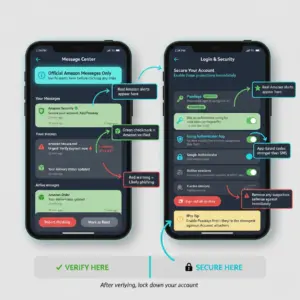
With these steps complete, your account is hardened against the most common moves used by Amazon account attackers.
5) If you clicked a bad link or shared info
If you interacted with a message from an Amazon account attacker, act quickly:
- Change your Amazon password immediately (then sign out of all devices).
- Enable or confirm Two-Step Verification and Passkeys.
- Check Your Payments for new cards, charges, or gift card redemptions. Remove anything unfamiliar.
- Consider changing bank/UPI passwords and monitoring recent transactions; freeze cards if you see fraudulent activity.
- Run a malware scan on the device you used to click; update your browser/OS.
- Report the message to Amazon (details below) so filters can improve and other customers are protected.
The sooner you complete these steps, the less damage Amazon account attackers can do.
6) How to report and where
Reporting helps Amazon and carriers block waves of phishing. Forward suspicious emails and texts as attachments (so headers are preserved) to:
- reportascam@amazon.com — global email inbox for phishing and smishing.
- UK: You can also submit via amazon.co.uk/reportascam.
- US: Report fraud at the FTC portal.
- India: call the national cybercrime helpline 1930 and file a complaint at cybercrime.gov.in if money is at risk.
- UK general reporting: Action Fraud.
Delete the phishing message after reporting. Real communication about orders or billing will appear in your Message Center.
7) Phone-based “support” scams to avoid
Amazon account attackers also ring customers and pose as “fraud prevention.” Common red flags:
- They ask you to install a remote-access app like AnyDesk/Zoho Assist to “verify” charges. Don’t do it — hang up.
- They tell you to move money to a “safe account” while they “investigate.” That’s not a thing.
- They pressure you to share one-time codes. Never read out OTPs to anyone on a call.
If a call worries you, end it and contact Amazon by opening the app → Customer Service. That one habit defeats phone-based Amazon account attackers.
8) Frequently Asked Questions
Did Amazon get hacked?
No. What you’re seeing is mostly impersonation and credential stuffing using usernames/passwords stolen from other services. Protect yourself with Passkeys, Two-Step Verification, and a unique password. Those steps stop most Amazon account attackers cold.
Where can I verify real messages from Amazon?
Open the app or website directly and check Account ▸ Message Center and Your Orders. If a scary email or text isn’t reflected there, it’s from an Amazon account attacker, not Amazon.
What address do I use to report phishing?
Forward suspicious messages as attachments to reportascam@amazon.com. UK customers can also use amazon.co.uk/reportascam. Reporting improves filters that stop Amazon account attackers.
Is SMS 2-step verification safe?
It’s better than nothing, but authenticator apps or passkeys are stronger. SMS can be intercepted via SSIM swap. Prefer app-based codes or passkeys to block Amazon account attackers.
What if I use my Amazon password on other sites?
Change your Amazon password now, then change it everywhere else you reused it. Consider a password manager. Reuse is exactly what Amazon account attackers bet on.
How do I see if anyone is logged into my account?
Go to Account ▸ Login & Security and use the Advanced sign-out option to sign out of all devices. Then change your password and confirm 2SV/passkeys. This removes both intruders and trusted but forgotten sessions.
Can I recover a stolen gift card balance?
Report gift-card theft to Amazon support quickly. Outcomes vary, but timing matters. Combine your Amazon report with a bank/card dispute if a linked card was used by Amazon account attackers.
How do I stop future scam calls?
Register numbers on national do-not-call lists, enable carrier spam filtering, and never trust the caller ID for “Amazon.” Always initiate contact from inside the Amazon app.
9) Trusted resources & further reading
Bottom line: make panic-proof your default
When you route alerts through the app and keep Passkeys + 2SV on, Amazon account attackers have little room to operate. Add a unique password, sign out of old sessions, and prune payment methods and addresses. If something still slips through, your five-minute recovery plan — password change, device sign-out, payment review, and reporting — shuts the door quickly.
Have a story or tip that can help others? Share it in the comments so more people avoid Amazon account attackers. And if this guide helped, pass it on to a friend who shops online.