BGMI 4.5 Update Download: Release Date, Size, Android, iOS and Safe Install Guide

Update (October 6, 2026): BGMI 4.6 went live on September 16, 2026. See our BGMI 4.6 update guide for what changed. This page covers BGMI 4.5, so some details below may be out of date.
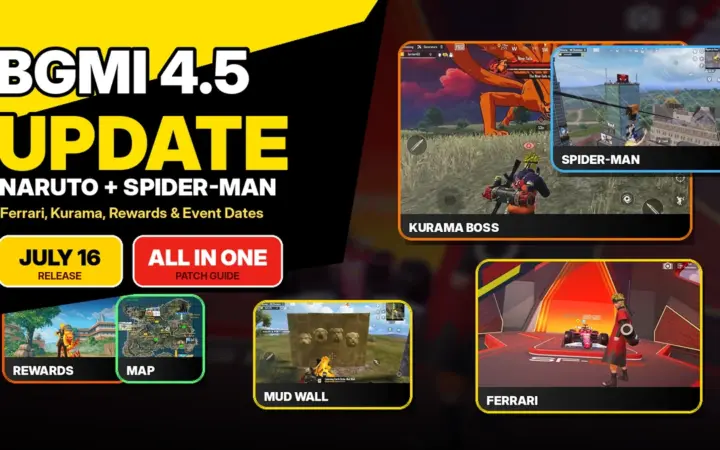
BGMI 4.5 update download rolled out around July 16, 2026 in India, with Naruto: Ninjas Assemble arriving first, Spider-Man: Brand New Day starting later, and Android, iOS and official APK players needing to update only from trusted sources.
This guide covers the release date, expected download size, Android steps, iPhone and iPad steps, official APK safety, update-not-showing fixes, storage preparation, resource packs, rewards after installation and the best settings to check after the update.
Quick answer: The BGMI 4.5 update download should be checked through Google Play, the Apple App Store and the official BGMI website. The main version 4.5 content window begins on July 16, 2026 at 7:30 AM IST. Keep 4 GB to 6 GB free, avoid mod APKs, and install only from official channels.
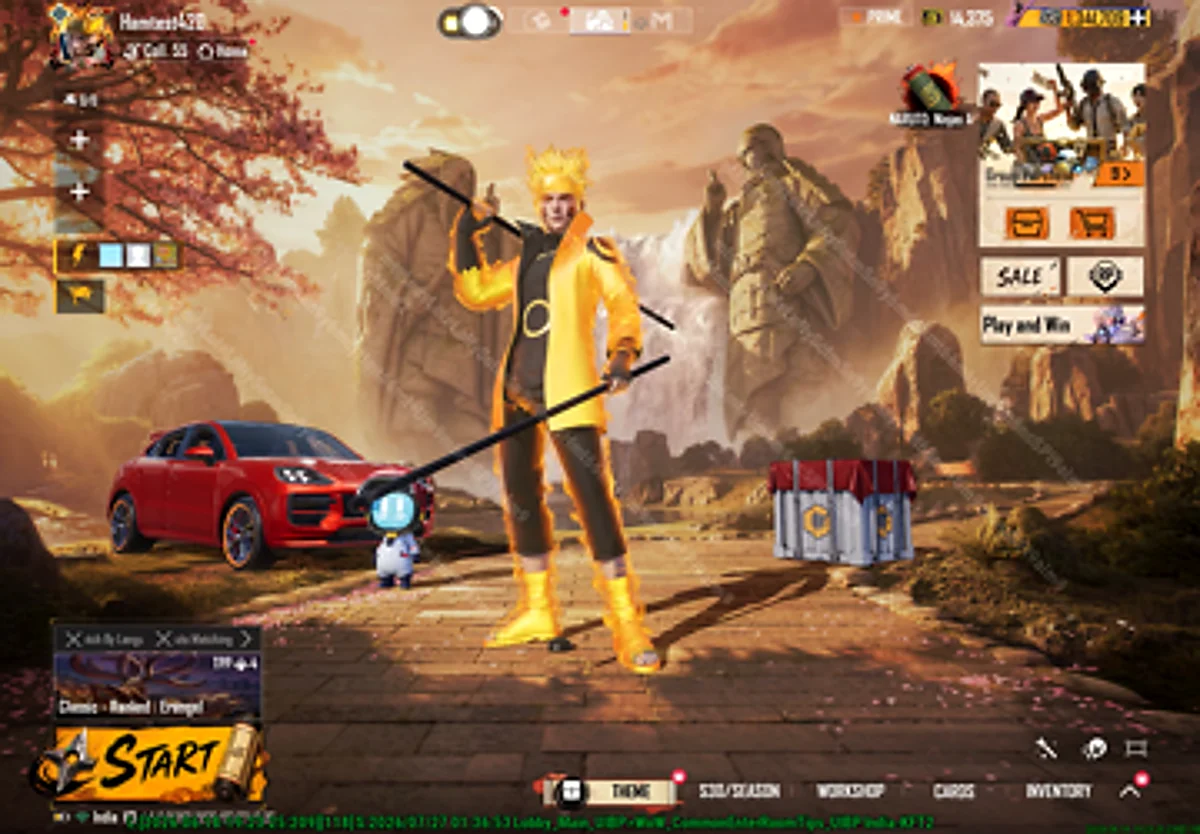
Table of Contents
- BGMI 4.5 update download release date
- Download size and storage preparation
- Android download guide
- iOS download guide
- Official APK safety guide
- What unlocks after installing
- Update not showing fixes
- FAQs
BGMI 4.5 Update Download Release Date and Time in India
The BGMI 4.5 update download rollout should be tracked from July 16, 2026 at 7:30 AM IST. This is the India time converted from the listed Naruto: Ninjas Assemble schedule, which starts on July 16, 2026 at 02:00 UTC and runs until September 14, 2026 at 20:59:59 UTC.
The important point is that version 4.5 is a staged update. Naruto content starts first. Spider-Man: Brand New Day starts on July 30, 2026 at 7:30 AM IST. Special Kurama Match starts on July 31, 2026 at 5:30 AM IST. So the app update can arrive before every event is active inside the game.
| Item | India timing | What it means for players |
|---|---|---|
| Version 4.5 rollout | July 16, 2026, from around 7:30 AM IST | Start checking official update sources. |
| Naruto: Ninjas Assemble | July 16, 2026 | Leaf Village, Ninja Run, Ninjutsu skills, Kurama and theme rewards. |
| Spider-Man: Brand New Day | July 30, 2026 | Skyline Plaza, Spider-Man items, ziplines and themed airdrops. |
| Special Kurama Match | July 31, 2026 | Co-op Kurama defense match and limited reward path. |
BGMI 4.5 Update Download Size and Storage Preparation
The final BGMI 4.5 update download size can differ by platform, phone model, store cache, installed resource packs and whether you are updating or installing fresh. Until the store pages refresh to version 4.5, the safest recommendation is to keep 4 GB to 6 GB of free storage.
Players often see one size on the store and another size inside the game. That happens because BGMI may install the app package first, then download maps, voice packs, HD resources, event assets, lobby assets and theme files after launch. Naruto and Spider-Man content can add extra in-game downloads even after the base update is complete.
Storage checklist before updating:
- Keep 4 GB to 6 GB free before starting the update.
- Use Wi-Fi or a stable 5G connection for the base update.
- Download HD resources only after the app opens properly.
- Do not uninstall unless the official update completely fails.
- Save screenshots of sensitivity, controls and login method before updating.
BGMI 4.5 Update Download for Android
For Android players, the safest BGMI 4.5 update download route is Google Play. Open the official Battlegrounds Mobile India page, check for the Update button, install the new version, then open BGMI and complete the in-game resource download.
- Open Google Play on your Android phone.
- Search for BGMI or open the official Battlegrounds Mobile India page.
- Tap Update when the version 4.5 button appears.
- Wait for installation to complete before opening the game.
- Open BGMI and download required maps and resources.
- Restart once if the lobby, events or theme mode buttons do not load correctly.
Do not use search results that say early APK, unlimited UC, beta unlocked, no recoil, mod menu or 100 percent working hack. Those terms are red flags. For more details on the main update, read our BGMI 4.5 update pillar article.
BGMI 4.5 Update Download for iOS and iPadOS
For iPhone and iPad users, the BGMI 4.5 update download should be done only through the Apple App Store. Search for Battlegrounds Mobile India, open the official listing and tap Update when the new version is available.
iOS installation can need extra temporary space during updates. If the App Store update fails, free more storage, restart your device, check Wi-Fi and open the App Store listing again. Avoid third-party iOS profiles, sideload pages or links claiming to install BGMI outside the App Store.
| Platform | Best source | Avoid this |
|---|---|---|
| Android | Google Play or official BGMI APK | Third-party APKs and mod clients |
| iPhone | Apple App Store | Sideload links and configuration profiles |
| iPad | Apple App Store | Unofficial install tools |
BGMI 4.5 Update Download APK: Official Safety Guide
The official BGMI website provides direct routes to Google Play, App Store and APK Download. If you need the APK, use only the APK link from the official BGMI website. The BGMI 4.5 update download APK should never come from a random file-sharing page, Telegram channel or shortened link.
A safe APK process is simple: open the official BGMI website, use the listed APK Download option, install it, then turn off install-from-unknown-source permission after installation. Do not enter your BGMI login on any APK page. BGMI login happens inside the game, not on random websites.
Official Links for BGMI 4.5 Update Download
What Unlocks After BGMI 4.5 Update Download?
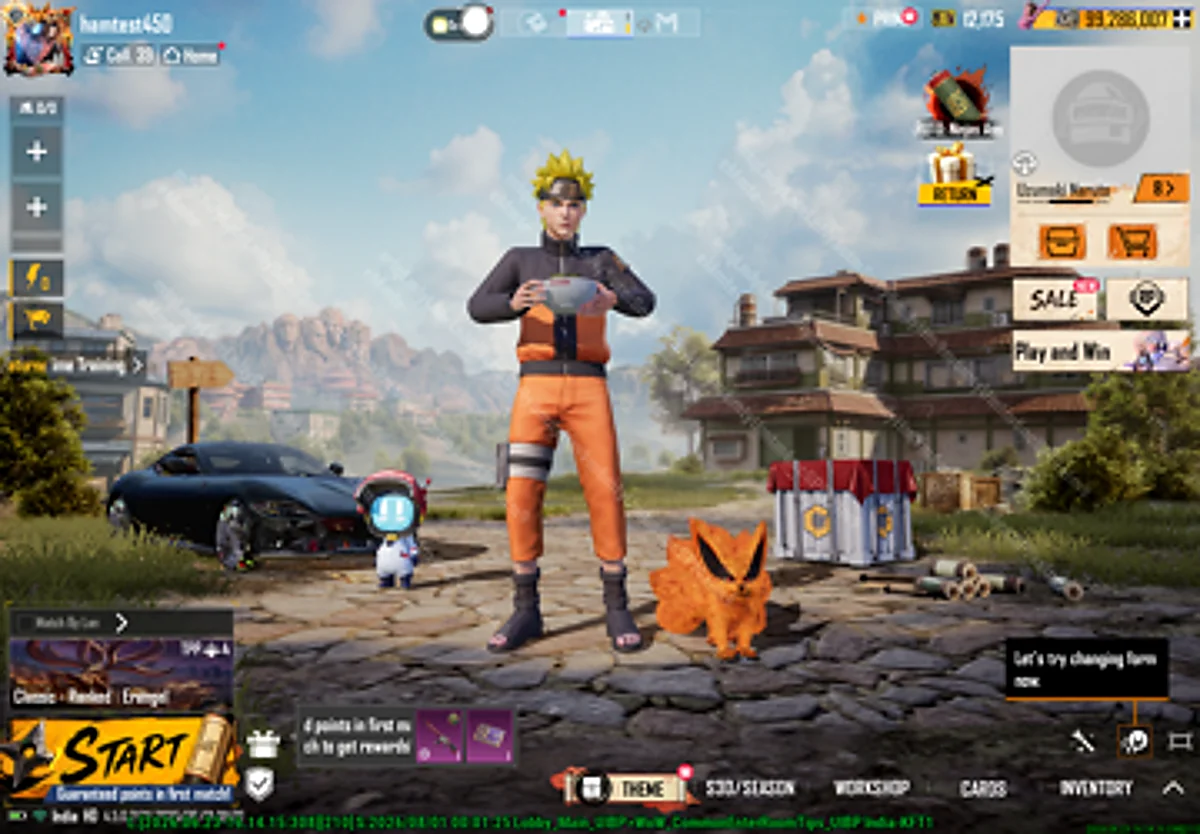
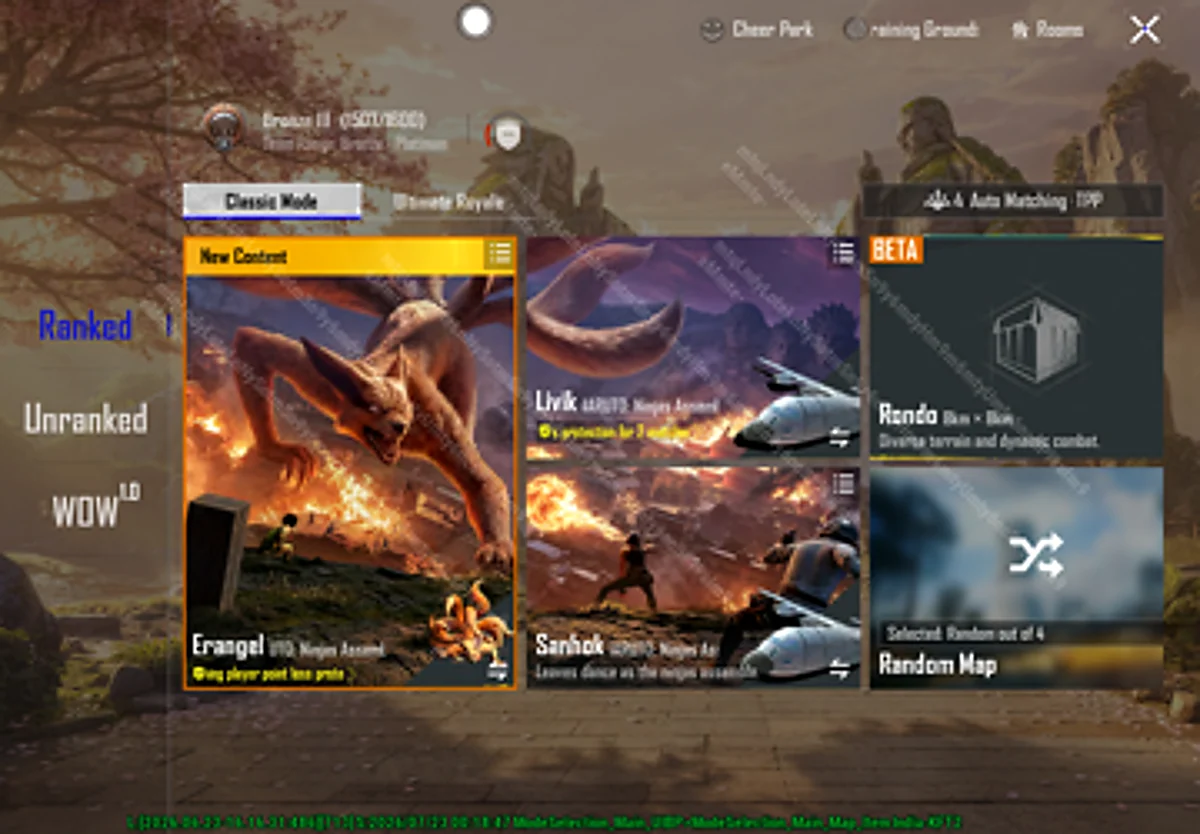
After the BGMI 4.5 update download, the first content to check is Naruto: Ninjas Assemble. This includes Leaf Village, Ninja Academy, Leaf Hospital, Chunin Exam Finals Arena, Great Naruto Bridge, Valley of the End, Naruto’s Inner Mind, Ninja Run, Rogue Ninja enemies, Kakashi NPC, Kurama boss battles and Ninjutsu skills.
Spider-Man: Brand New Day starts later and adds Skyline Plaza, Peter Parker’s Apartment, Aunt May’s Grave, ziplines, Spider-Man items and themed airdrops. Special Kurama Match starts separately and focuses on a co-op Kurama defense battle where players protect Leaf Village.
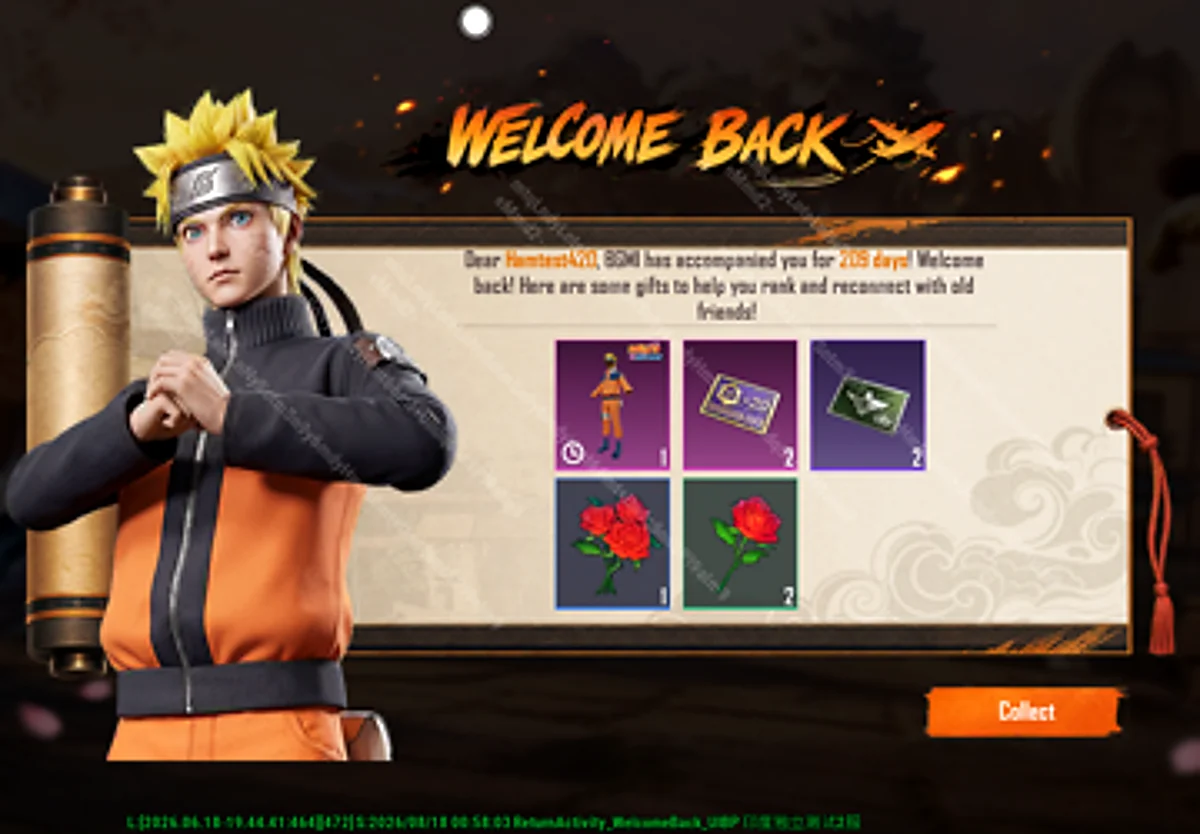
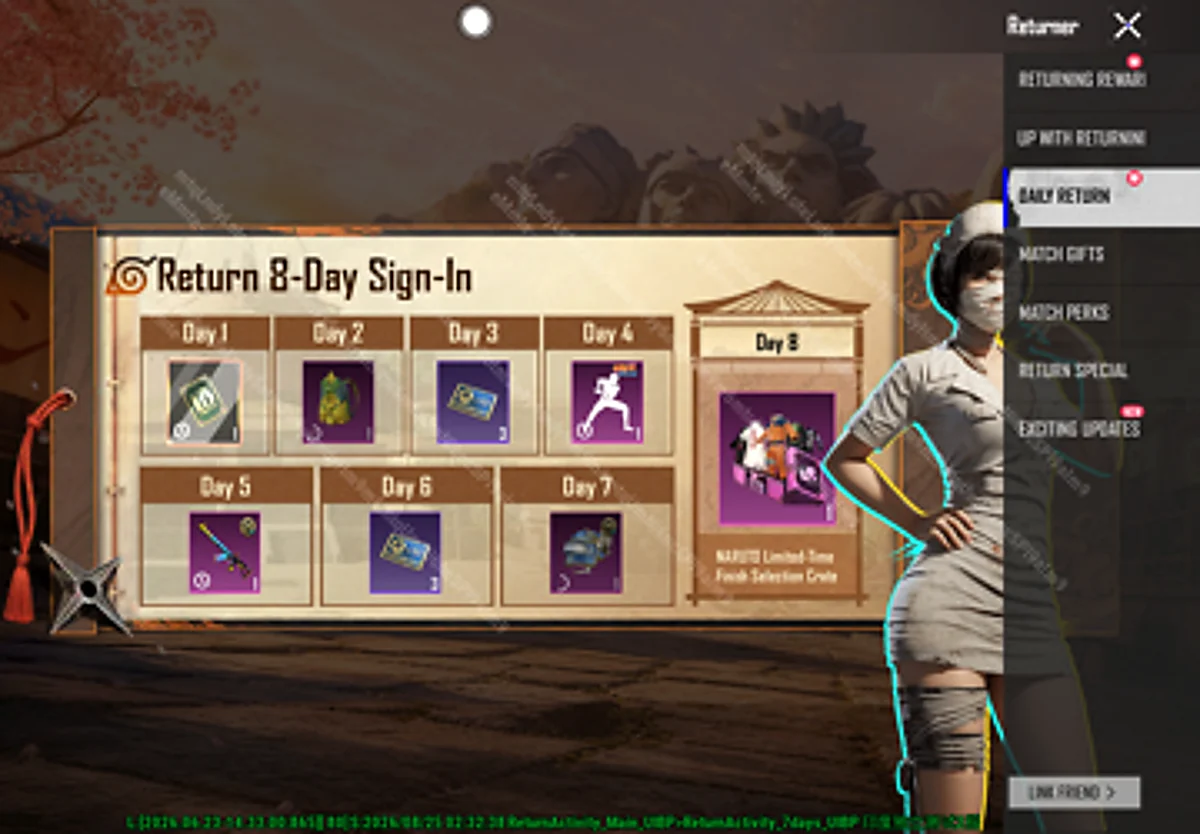
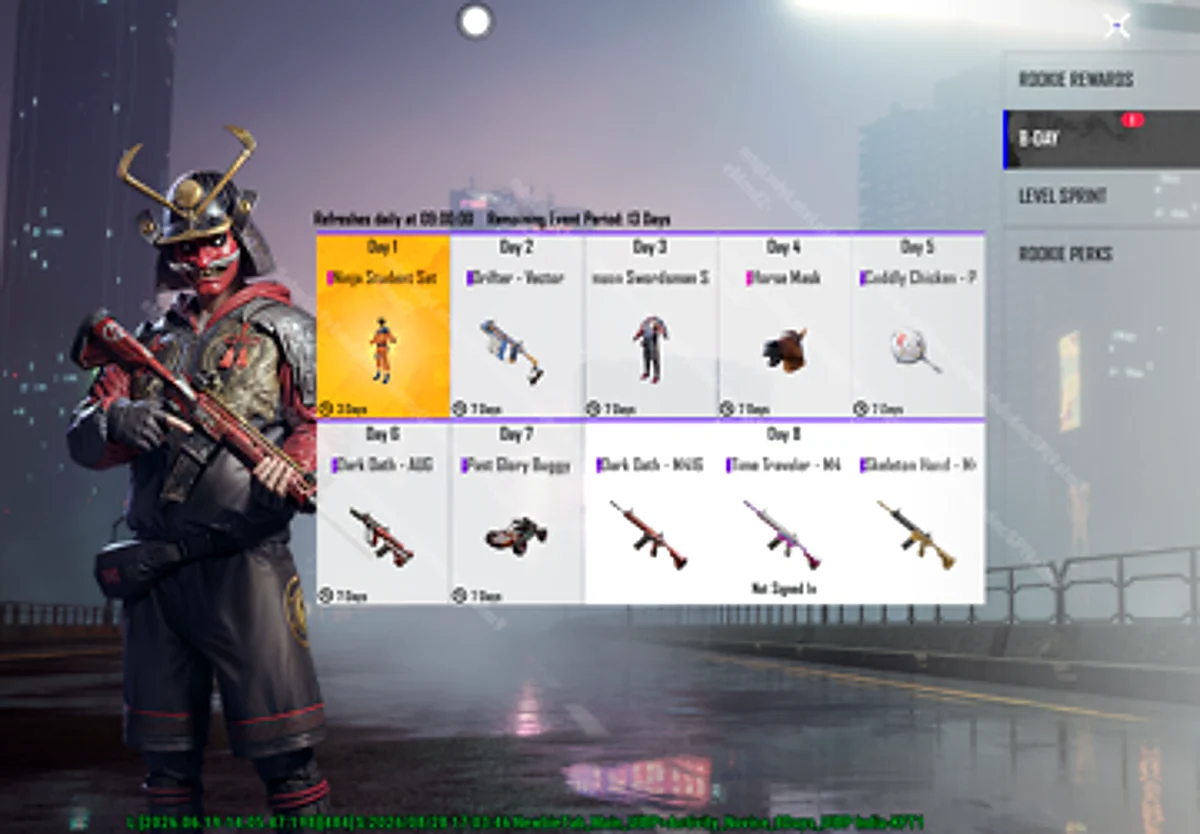
Players should also check return rewards, sign-in events, new version rewards, Card Collection, Shinobi Spree, UC UP, Ferrari Speed Drift, AG Bonus Challenge and later Carry Minati content. If you plan to buy UC for spins or Prize Path content, read our how to buy BGMI UC in India 2026 guide before spending.
BGMI 4.5 Update Download Not Showing? Try These Fixes
If the BGMI 4.5 update download does not appear immediately, wait before installing an APK. Updates can roll out by platform, account, store cache or device model. Try these fixes first:
- Restart Google Play or the App Store.
- Search BGMI manually instead of opening from a saved shortcut.
- Clear Google Play cache on Android.
- Free more storage and restart the phone.
- Check the official BGMI website for listed download options.
- Wait if your friend has the update but your account does not show it yet.
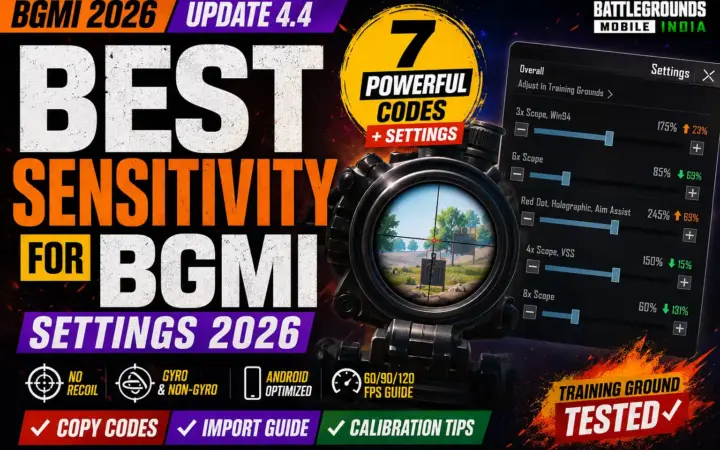
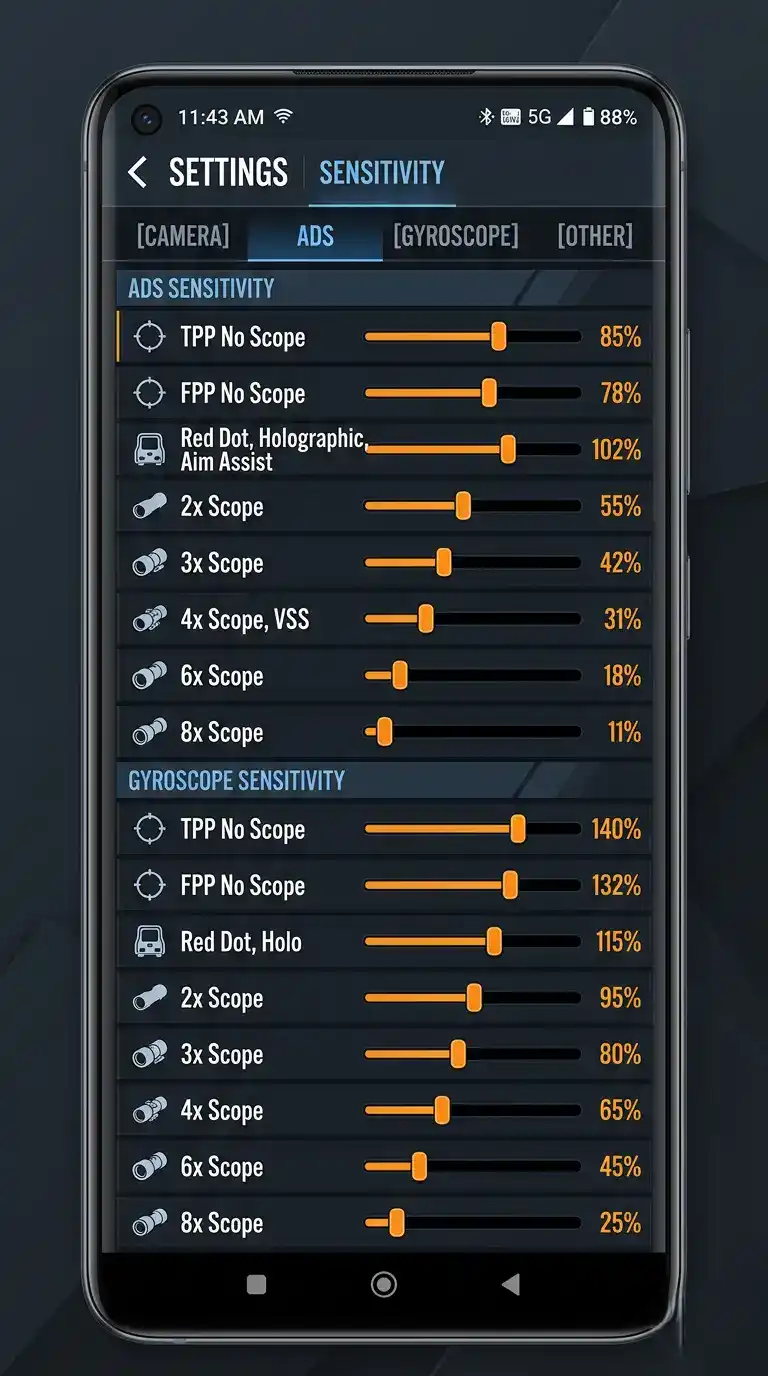
After installation, test controls before ranked. Naruto movement, Spider-Man traversal and new visual effects can make your aim feel different. Use our best sensitivity for BGMI, best BGMI sensitivity settings 2026, BGMI sensitivity code generator and BGMI sensitivity code zero recoil 2026 guides if your spray feels unstable.
Best Launch-Day Strategy for Indian Players
The best launch-day plan is to update early but not rush blindly. Check the official store in the morning, keep storage ready, install the base version, download only required resources first, then enter one unranked match. Do not jump straight into rank if the lobby is lagging or maps are still downloading.
Save screenshots of your controls, sensitivity code, gyroscope settings, graphics settings and login method before the BGMI 4.5 update download. If anything resets, you can restore quickly instead of testing settings during ranked matches.
| Before update | Why it matters |
|---|---|
| Save login method | Prevents account panic after version change. |
| Screenshot controls | Helps restore layout if files reset. |
| Screenshot sensitivity | Useful if recoil feels different after the update. |
| Keep free storage | Reduces failed installs and stuck resource downloads. |
| Test unranked first | Confirms FPS, ping, audio and touch response. |
Which Resource Packs Should You Download First?
After the BGMI 4.5 update download finishes, do not tap every resource pack at once unless you have strong Wi-Fi and enough storage. Start with the resources needed for your actual play style. If you mostly play Classic Erangel, download Classic maps, basic HD lobby resources, audio, and the Naruto theme resources first. If you play Arena or TDM only, you can delay some heavy visual packs until later.
Players who want the cleanest launch-day experience should follow this order: base app update, login, lobby resources, map resources, theme mode resources, audio pack, then cosmetic resources. This order helps you enter matches faster and reduces the chance of getting stuck in a long download queue. Cosmetic resources are useful, but they are not more important than map and gameplay files on day one.
| Resource type | Download priority | Reason |
|---|---|---|
| Base app update | Must download first | Required before opening version 4.5. |
| Map resources | Very high | Needed for Erangel, Livik and main gameplay access. |
| Naruto theme resources | Very high | Needed for Leaf Village, Ninja Run, Kurama and theme visuals. |
| Audio resources | High | Important for footsteps, gunfire and theme prompts. |
| Cosmetic resources | Medium | Useful for skins, outfits, lobby displays and reward previews. |
Low-End Phone Tips for BGMI 4.5 Update Download
If you play on a low-end or mid-range phone, the BGMI 4.5 update download needs extra care. Large updates can create temporary heat, lower FPS during the first launch, and make the game feel heavier until all resources settle. Do not judge the update from the first lobby load. Restart the phone once after installation, open BGMI again, then test one unranked match.
Keep graphics one level lower than usual for the first hour if the phone heats up. Turn off unnecessary background apps, avoid screen recording during the first match, and download resources while the device is cool. If you use gyroscope, check your sensitivity before pushing Leaf Village or Kurama zones because fast movement can make sprays feel different.
Best first match after updating:
- Play unranked Erangel first, not ranked.
- Check ping, FPS, touch response and audio delay.
- Visit the new theme area only after resources finish downloading.
- Test one spray with your main AR before changing sensitivity.
- Restart the game if textures, event tabs or lobby buttons look broken.
Common Download Errors and Fast Fixes
Most update problems come from storage, unstable internet, store cache, old resource files or phased rollout delays. The version 4.5 download should not require risky third-party tools. Use the table below before reinstalling the full game.
| Problem | Likely reason | Best fix |
|---|---|---|
| Update button not visible | Phased rollout or old store cache | Clear store cache, restart store, check later. |
| Download stuck | Network drop or low storage | Switch to Wi-Fi and free more space. |
| Install failed | Not enough temporary space | Free extra storage and restart the phone. |
| Resources missing | In-game downloads not complete | Open downloads section and install required packs. |
| Lag after update | First launch optimization | Restart, lower graphics, and test unranked first. |
BGMI 4.5 Update Download FAQs
When will BGMI 4.5 update download start?
The BGMI 4.5 update download should be tracked from July 16, 2026 at 7:30 AM IST, matching the Naruto: Ninjas Assemble launch window.
What is the BGMI 4.5 update download size?
The exact size can vary by Android, iOS, store package and resource packs. Keep 4 GB to 6 GB free before starting the update.
Can I use a BGMI 4.5 APK from third-party sites?
No. Use Google Play, App Store or the official APK Download option from the BGMI website. Avoid mod APKs, early files and pages asking for account login.
Why is BGMI 4.5 update download not showing?
The rollout may be phased. Restart the store, clear cache on Android, check storage, use stable internet and wait before using APK.
What should I play first after the BGMI 4.5 update download?
Start with Naruto: Ninjas Assemble on Erangel. Learn Leaf Village, Ninja Run, Naruto skills and Kurama routes before pushing ranked fights.
Final Takeaway
The safest BGMI 4.5 update download plan is clear: use Google Play, App Store or the official BGMI website, keep enough storage, avoid fake APKs, download resources carefully and test one unranked match before ranked. Version 4.5 is worth preparing for because it brings Naruto, Spider-Man, Kurama, theme rewards, return rewards, Ferrari, Metro Royale and several event layers in one update cycle.
Related guides
- Best BGMI Sensitivity Settings 2026: Zero Recoil Codes for Android and iOS
- BGMI Sensitivity Code Zero Recoil 2026: Best Codes for Gyro and Non-Gyro Players
- BGMI 90 FPS vs 120 FPS Sensitivity Comparison (2025)
- Best Sensitivity for BGMI 2026: 7 Community Codes & BGMI 4.4 Settings
- BGMI Best Sensitivity Settings 2026 | 90/120 FPS + Gyro Guide
- Best BGMI Sensitivity Code 2026: Low Recoil Codes for Gyro and Non-Gyro Players
- BGMI Download APK 2026: Official APK and Safe Install Guide
- BGMI Latest News & Updates Hub: Latest Version, Events & Official Announcements