Free Fire: Complete Beginner’s Guide (Download, Settings, Updates & FAQs)

Last checked: December 21, 2025 (official store listings + Garena reward domain)
Fix my problem in 30 seconds
- Download stuck – free space + stable Wi-Fi + restart store.
- Lag – 5GHz Wi-Fi + lower graphics + close background apps.
- Update missing – refresh listing + clear store cache + wait for rollout.
- Login issue – confirm the same login method + clear cache + update app.
- Redeem invalid – code expired/region/cap – redeem only on official domain.
- Crashes – reduce settings + cool device + free storage + reinstall from store.
Disclaimer: This is an independent fan guide and is not affiliated with Garena. We do not share mod APKs, hacks, “free diamonds generators,” or bypass methods.
For safety, use official store listings and official Garena domains only.
Free Fire is a fast battle royale shooter where you drop in, loot quickly, and try to survive (solo or with a squad) while the safe zone shrinks.
This beginner guide shows the safest way to download and update a settings starter pack that helps you win early fights, and a scam-proof redeem code checklist.
TL;DR (Quick start checklist)
Definition (AI-friendly):
Free Fire is a mobile battle royale game focused on quick looting, fast fights, and surviving to the final circle.
Free Fire MAX is the enhanced version with upgraded visuals and effects, but it may need more storage and a stronger phone.
Start playing in 10 minutes:
- Install from the Google Play Store (Android) or App Store (iPhone).
- Log in with a method you can recover (Google/Apple/Facebook) and keep it consistent.
- Set graphics to Smooth first and enable the highest stable FPS your phone can hold.
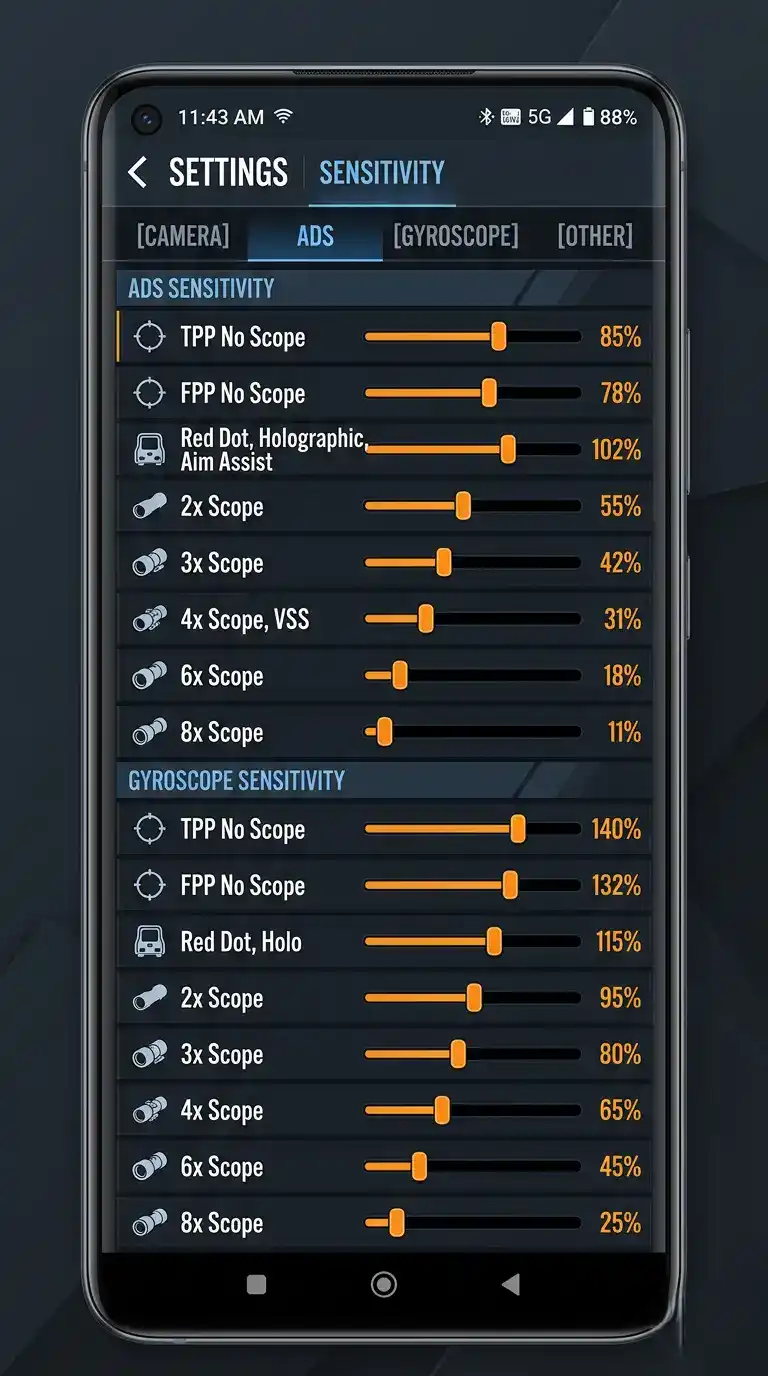
- Use a simple layout, then adjust sensitivity slowly (small daily changes).
- Warm up for 5-10 minutes before ranked modes.
What is Free Fire? (Free Fire vs Free Fire MAX)
Garena Free Fire is designed for quick matches and wide device compatibility. That means it can feel responsive even on mid-range phones if your settings are tuned for stable FPS.
Your goal is simple: survive longer than everyone else by looting smart, rotating early, and taking clean fights.
Free Fire MAX offers upgraded visuals and effects. If you have enough storage and your phone can hold stable FPS, MAX can be the better day-to-day experience.
If your phone is older or storage is tight, the lighter version can still be the smarter choice.
Free Fire in India (availability + safest way to play)
Rule for India players: Use official store availability only. Avoid bypass methods (VPN tricks, mod APKs, patched installers).
“Free Fire India” searches usually mean one of three things: you want the official download, you want smoother settings on a mid-range Android phone,
or you want to redeem rewards without getting scammed. This guide focuses on those safe, practical goals.
How to Download Free Fire / Free Fire MAX safely (Android + iPhone)
Android (Google Play)
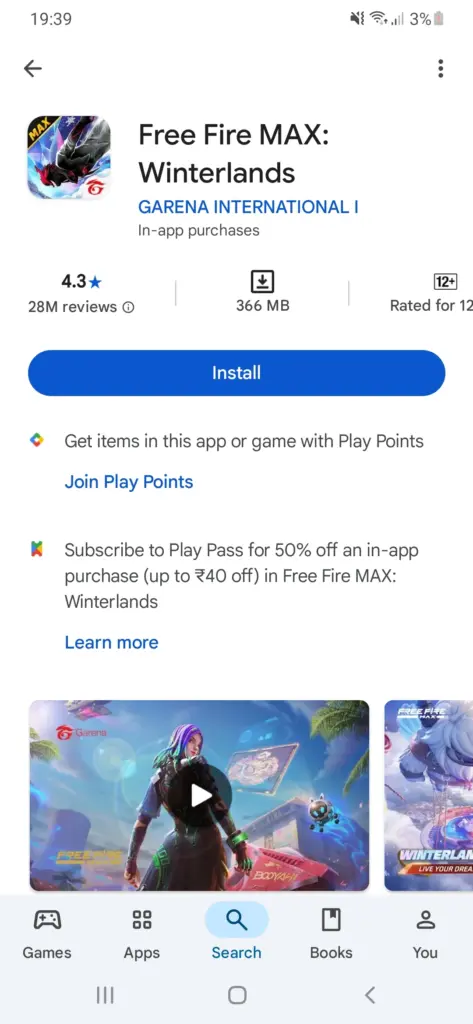
For Android, the safest download method is installing from Google Play. It reduces install errors and helps you get updates automatically.
- Open Google Play Store and search for Free Fire or Free Fire MAX.
- Open the listing and verify it is the official publisher listing (avoid lookalikes).
- Tap Install, then keep a stable connection (Wi-Fi recommended).
- Launch the game and let it finish any in-game resource downloads.
- If storage is low, free space before you install (table below).
iPhone (App Store)
On iPhone, install only from the App Store. Avoid third-party “installer” apps that promise faster access.
- Open the App Store and search for Free Fire MAX (or the available version in your region).
- Tap Get and authenticate with Face ID/Touch ID.
- After install, open the game on a stable connection for the first resource download.
- If the download is slow, pause/resume once and avoid switching networks repeatedly.
First-time setup (account, controls, sensitivity starter pack)
Account and login (do this once)
Use a login method you can recover (Google/Apple/Facebook) and keep it consistent. Many “lost account” stories happen because players forget which login they used.
Account safety checklist:
- Never share OTP or passwords (even if someone claims “support”).
- Avoid “free diamonds” apps and fake tournament forms asking for logins.
- If your account supports extra security options, turn them on.
Settings that matter most (beginner baseline)
Beginners often lose fights because their FPS is unstable or their sensitivity is wildly inconsistent. Start with stability first, then adjust aim settings slowly.
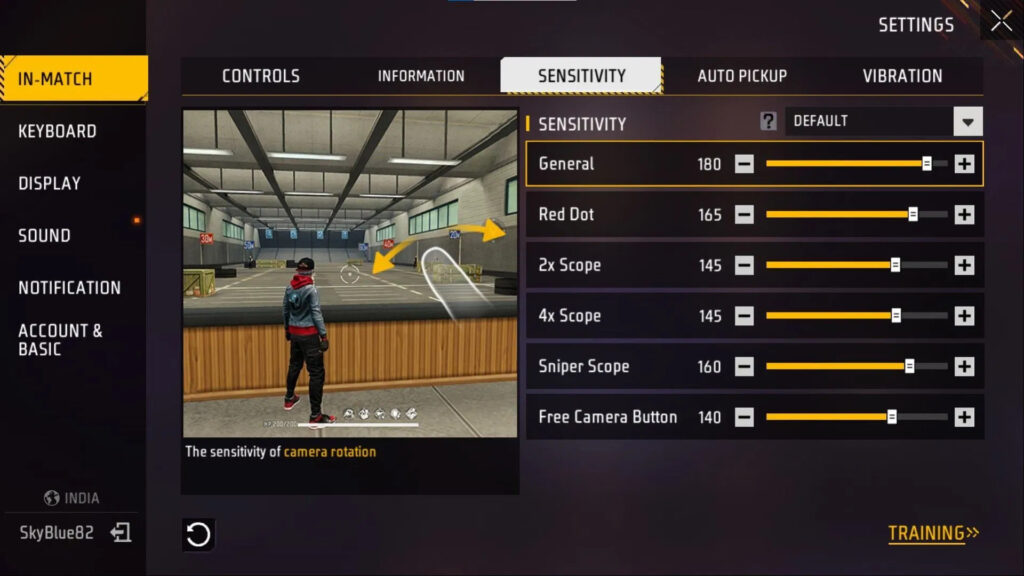
Low-end phone settings preset (reduce lag first)
- Graphics: Smooth
- FPS: Highest stable (do not force max if it stutters)
- Shadows: Off
- Effects: Low
- Extra tip: Disable battery saver while playing and close background apps.
Mid/high phone settings preset (quality without stutter)
- Graphics: Standard or HD (only if FPS remains stable)
- FPS: High (stable)
- Shadows/effects: Medium (lower if heat rises)
- Extra tip: If you notice drops in fights, lower graphics one step before changing sensitivity.
10-minute training routine (before ranked)
Warmups reduce panic-aim and help your recoil control. Even 10 minutes can make your first matches feel much easier.
- 2 minutes: smooth camera pans left/right, stop on targets, then fire.
- 4 minutes: spray control at mid-range (keep the crosshair steady).
- 4 minutes: strafe – stop – shoot – strafe (movement + aim timing).
Game modes (Battle Royale, Clash Squad, Training)
Free Fire has multiple modes, and beginners improve faster when they pick the right mode for the right goal.
Instead of jumping into intense matches immediately, use modes as a learning ladder.
What to play first (beginner ladder)
- Training: Best for aim, recoil, and sensitivity checks without pressure.
- Clash Squad: Best for fast fighting practice and learning how to take clean gunfights.
- Battle Royale: Best for rotations, looting discipline, and end-circle decision making.
If you’re brand new, do this simple routine: Training (5 minutes) -> Clash Squad (1 match) -> Battle Royale (1 match).
That way you practice aim first, then apply it in real situations.
Best practices (how to improve fast)
You don’t need secret tricks to win early games. You need clean basics: smart landings, safe rotations, and calm gunfights with stable FPS.
Your first 3 matches plan
- Match 1: land safe, loot calmly, avoid hot drops.
- Match 2: take 2-3 fights on purpose to learn recoil under pressure.
- Match 3: focus on rotations: move early, hold cover, avoid open sprints.
Loot priorities (simple and effective)
- Armor + helmet first (survival beats fancy loot).
- One close-range weapon + one mid-range weapon is a safe starter combo.
- Carry meds and at least one utility option.
- Stop over-looting. Moving late is a top beginner mistake.
Rotations and cover (free wins)
Many beginners lose because they rotate too late and run through open ground. Rotate early, hug cover, and avoid unnecessary fights when the circle is far.
- Move early and hold cover (buildings, rocks, ridges).
- If you must cross open ground, do it fast and with a plan.
- If your squad is split, regroup before pushing fights.
Updates (how updates work + what to do if update isn’t showing)
Updates usually have two parts: (1) the store update (Play Store/App Store), and (2) in-game resource downloads (maps, textures, events).
If either part fails, you can get stuck on loading screens or see “resource download” errors.
Best update habit: update from the official store first, then open the game on Wi-Fi and let the resource download finish before playing.
- Update not showing: rollouts can be staged. Refresh the listing and try again later.
- Resource download stuck: restart the game, switch to stable Wi-Fi, and free storage.
- Disable battery saver during updates and downloads.
Redeem codes and rewards (safe + typo protection)
Redeem codes are time-limited promo codes that can unlock free items like bundles, vouchers, skins, and event rewards.
They are also the #1 way scammers target new players with fake “free diamonds” pages.
Scam-proof micro checklist (read this once):
- Never enter OTP/password on redeem pages.
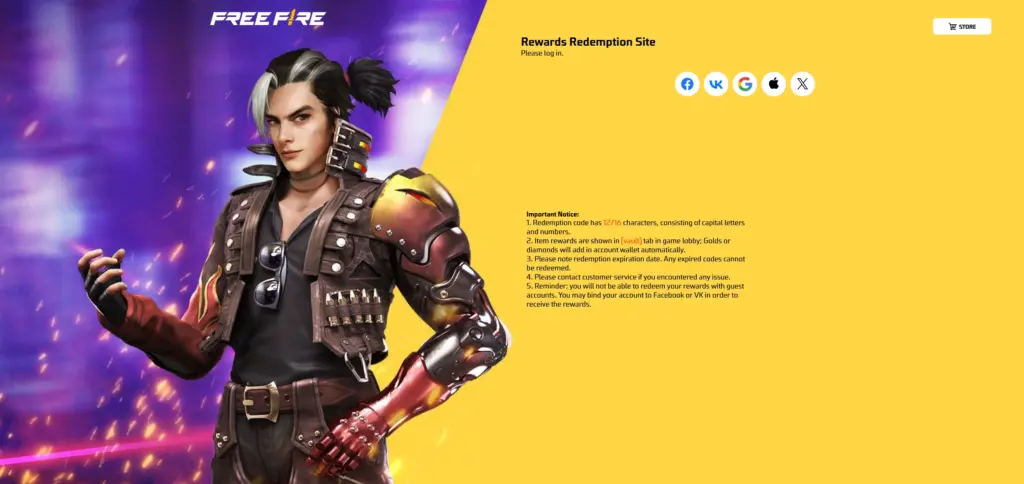
- Only trust the official domain: reward.ff.garena.com.
- “Free diamonds generator” claims are scams. Avoid apps and sites that ask for logins or payments.
Want daily codes? Use our daily page:
Free Fire redeem codes today (Indian server)
Need step-by-step redeem help? Read:
How to redeem Free Fire rewards safely (step-by-step)
Common misspellings and fake sites (typo trap):
If you searched firifayr or typed a domain like
ff redom code com, ff reedam code com, ff readeem code com, ff reedm code com,
free fire redam code com, free fire radium code com, or free fire reedm code com,
stop and do not log in there.
The real redemption flow uses official Garena domains (example: reward.ff.garena.com). Lookalike pages often steal logins or push “free diamonds” scams.
Common issues and fixes (decision tree)
Use this table like a decision tree. Find your exact symptom, match it to the likely cause, and follow the fix steps in order.
Most issues come from unstable networks, low storage, outdated OS, or unofficial links.
Common mistakes new players make (and easy fixes)
- Mistake: turning graphics up first. Fix: lock stable FPS first.
- Mistake: changing sensitivity every day. Fix: adjust one slider at a time.
- Mistake: over-looting. Fix: rotate earlier and fight from cover.
- Mistake: trusting random redeem sites. Fix: use official Garena domain only.
FAQ (Beginner questions)
Is Free Fire free?
Yes. Free Fire is free to download and play. It may offer optional in-game purchases for cosmetics and event items.
Which is better: Free Fire or Free Fire MAX?
If your phone can keep stable FPS and you have enough storage, Free Fire MAX is usually the better visual experience.
If your phone is older or storage is tight, the lighter version can run more reliably.
How much storage does Free Fire MAX need?
It varies by device and update, but a safe rule is to keep at least 6-8GB free before installing. More free space helps avoid stuck downloads and unpacking errors during updates.
Which settings reduce lag the most?
Lower graphics to Smooth/Standard, enable the highest stable FPS, turn shadows/effects down, close background apps, and use 5GHz Wi-Fi when possible. Stable FPS matters more than visual quality for aiming.
How do I redeem codes safely?
Use official Garena reward domains only and never enter OTP, passwords, or payment details on third-party pages. If a code fails, it may be expired, capped, or region-limited.
Why is my redeem code region locked?
Some codes work only on specific servers or during specific events. If you see a region error, it usually means the code was not meant for your account region, even if you are physically in that country.
Why is Free Fire not available in India?
Availability can vary by time and region. The safest advice is to rely on the official store listing availability in your country and avoid bypass methods or unofficial downloads.
Official sources (use these, avoid lookalikes)
- Google Play (Free Fire MAX):
Official listing
- Apple App Store (Free Fire MAX):
Official listing
- Garena rewards redeem domain:
reward.ff.garena.com
- Official Free Fire site:
ff.garena.com
Update policy + changelog
We refresh this Free Fire beginner guide after major updates or when store availability and redeem flows change.
We also re-check common scam patterns (fake redeem domains and “free diamonds” traps).
- Jan 2026: added Modes, low-end phone presets, and improved the troubleshooting decision tree.
- Next check: after the next major patch or if official domains/flows change.
Related guides